How to summarize multiple PDFs.
Wondershare PDFelement's AI assistant can summarize multiple PDFs at once. It is helpful when you need to analyze several PDFs covering the same topic.
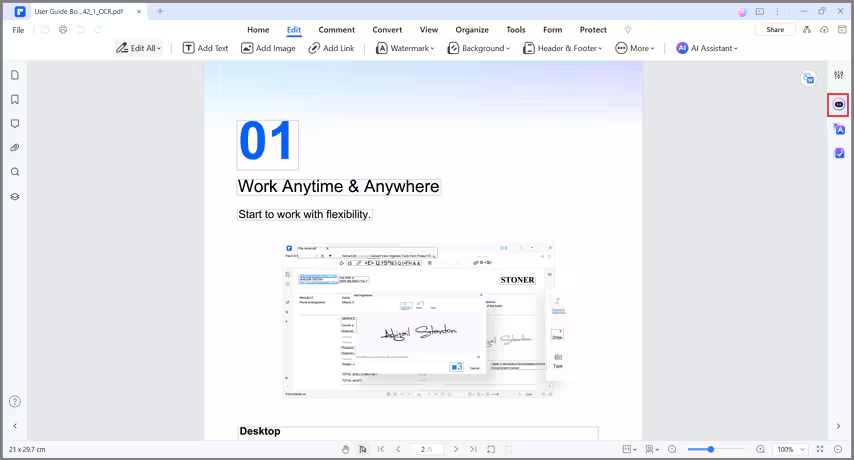
- Open a PDF with Wondershare PDFelement. Click the "AI Sidebar" button.
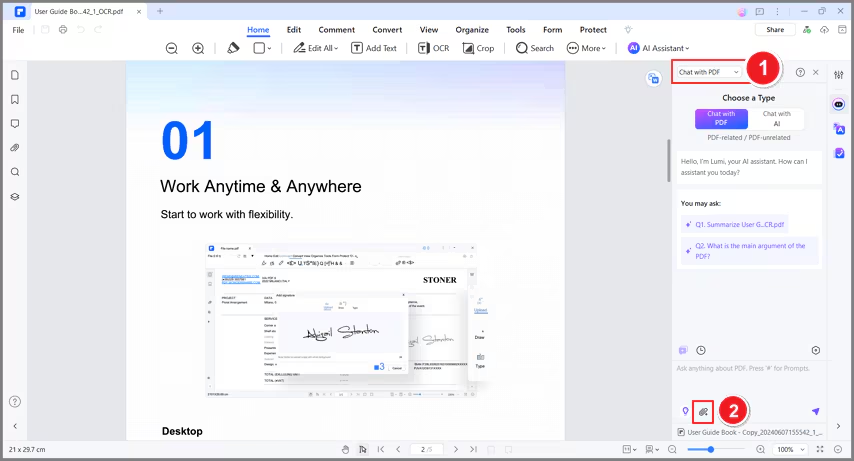
- Select "Chat with PDF," then click "Upload PDF." Upload the PDFs that you want to summarize.
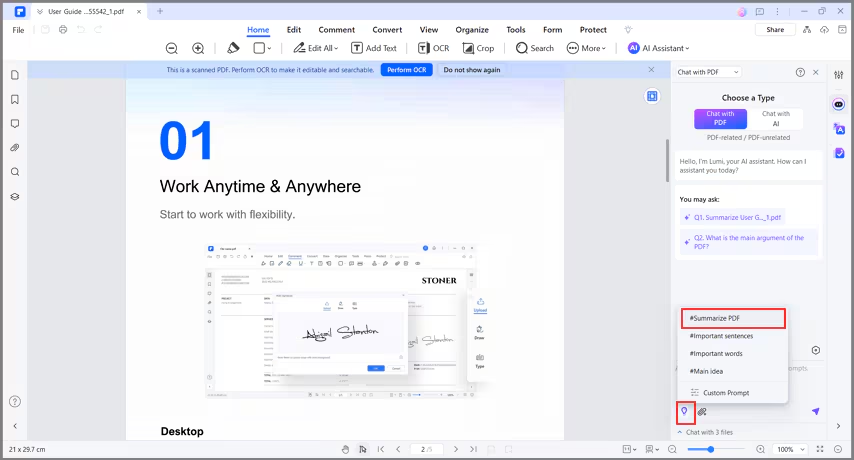
- Click the "Quick Prompt List" button and choose "#Summarize PDF."