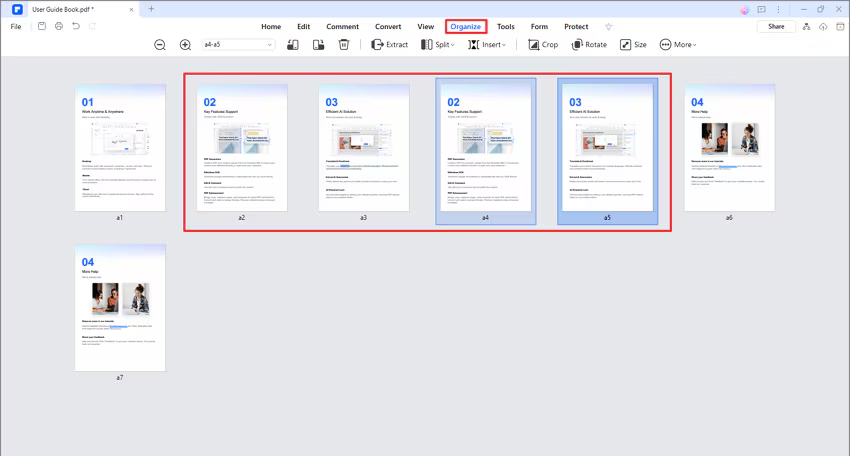
How to duplicate PDF page.
There are two methods to duplicate the page(s) in the program.
-
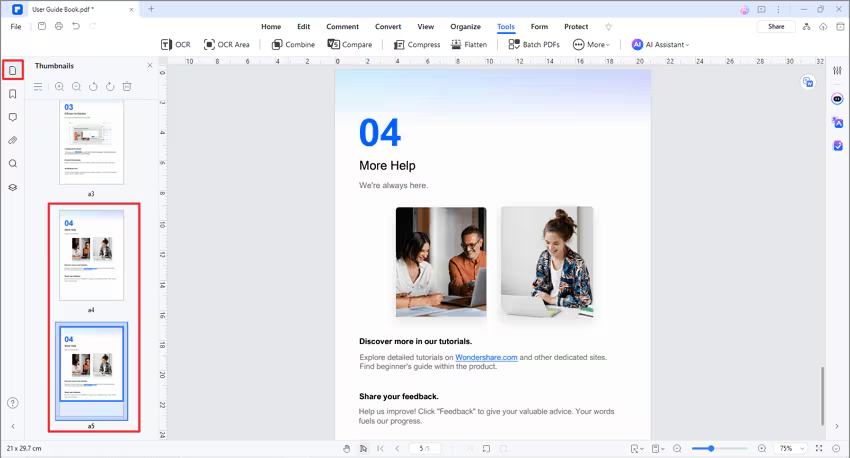
- In the left-side Thumbnail Panel, click the page or hold the Ctrl key and select multiple pages at the same time, then press Ctrl+C and Ctrl+V to copy/paste the selected page(s).
-
- In the "Page" menu, please click the page or hold the Ctrl key and select multiple pages at the same time, then press Ctrl+C and Ctrl+V to copy/paste the selected page(s).