How to Split PDF File
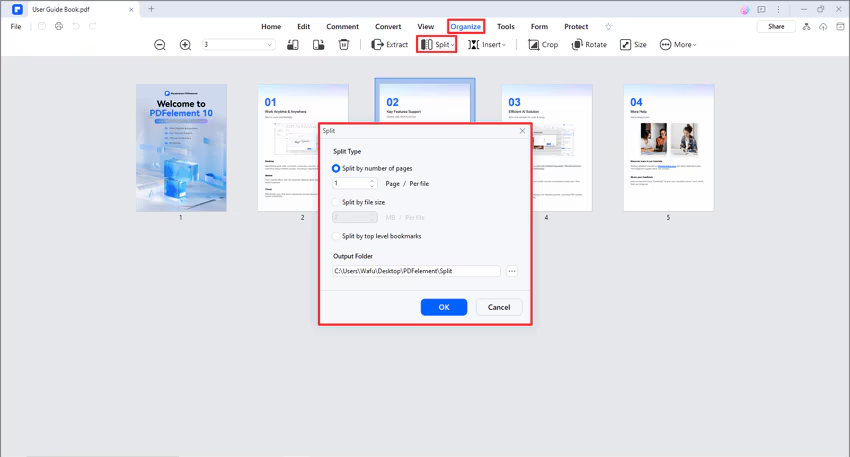
Click the "Page" > "Split" button and set the number of pages in each split file after clicking the "Split by number of pages" option. The other option allows you to split the file by its top-level bookmarks. Next, click the "..." button to choose the output folder to save the split files.
Tips:
If you want to split each page into a separate PDF file, please enter "1" in the box of "Split by number of pages". In this way, you will get each page as an individual PDF file.