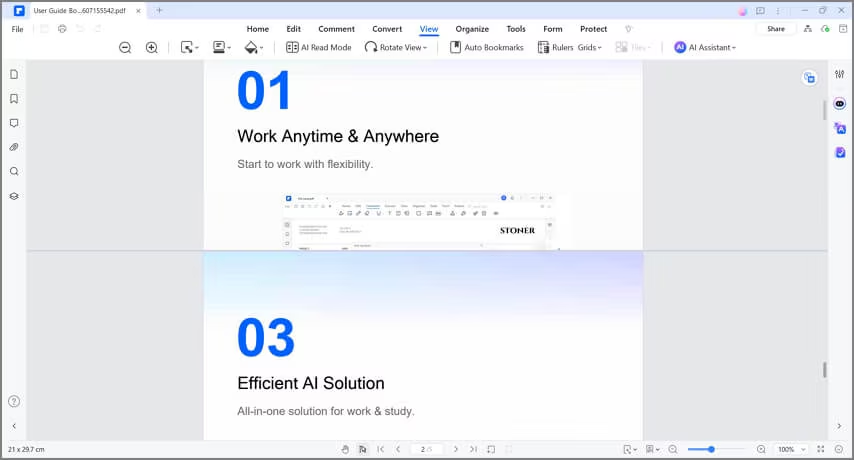
How to use Split View.
Split View is a feature that lets you view a PDF in two different panels. You can use this to view information from two non-consecutive pages at once. Scrolling on one panel will not affect the display on the other panel.
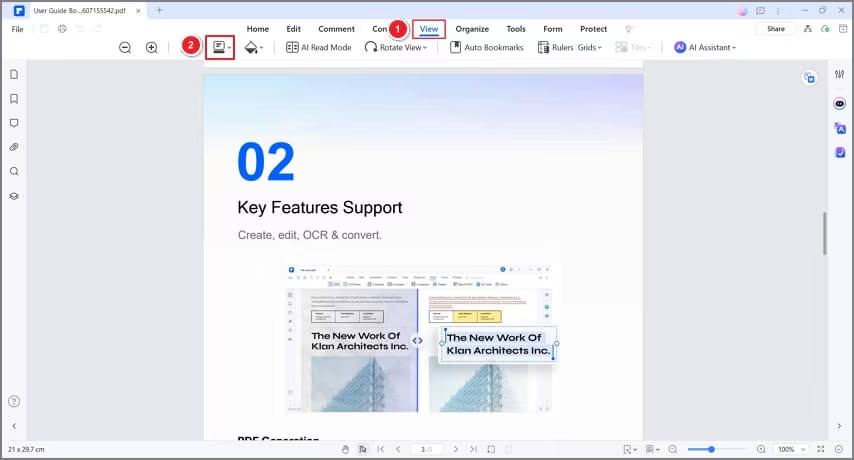
- Open a PDF, then click "View"> the "Reading Mode" button between "Zoom" and "Background."
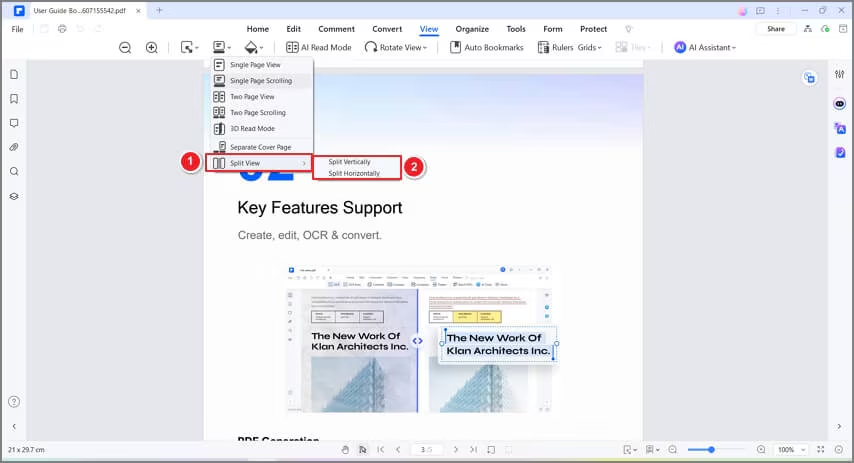
- Click "Split View" and select between "Split Vertically" and "Split Horizontally."
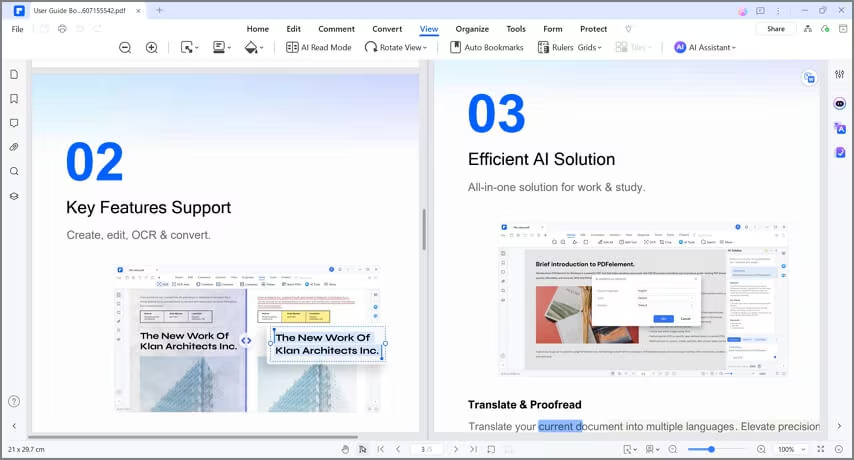
- If you choose "Split Vertically," one panel will be on the right and one on the left. Test by pointing your cursor on one panel and then scrolling down. The other panel should not move.
- If you choose "Split Horizontally," one panel will be at the top and one at the bottom. Test by pointing your cursor on one panel and then scrolling down. The other panel should not move.