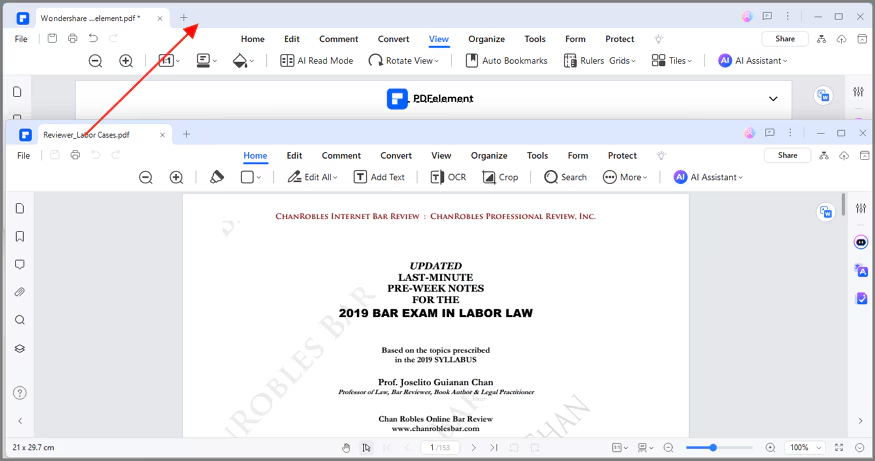
How to view multiple PDFs in different windows.
Since version 6.3.0 of AULPDF, we support to view multiple PDFs in different program windows, so that you can better view or compare among different files.
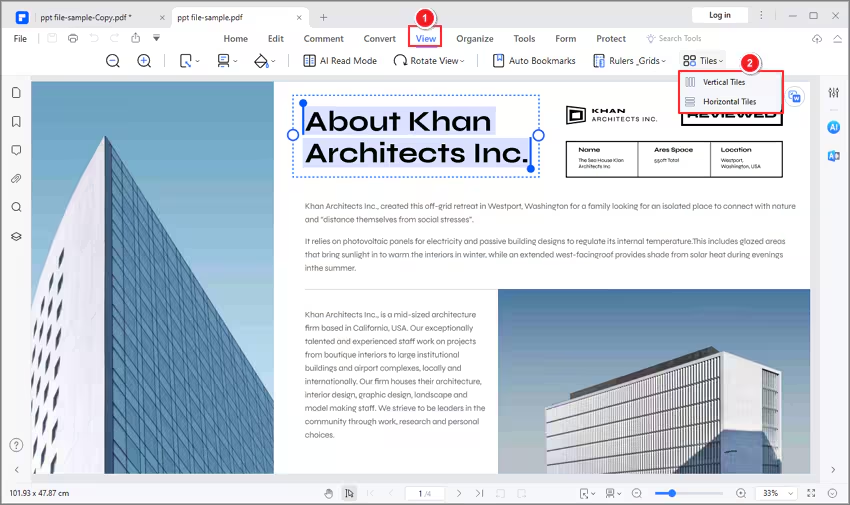
- Open multiple PDF files in the program first, then click the "View" > "Tile" button.
- Choose to tile the windows Horizontally or Vertically.
- Alternatively, you can open multiple PDFs first, and reduce the window size, then drag the tab of the file to create other windows for each file directly, then adjust the window size as you want by dragging the edge of the window again.
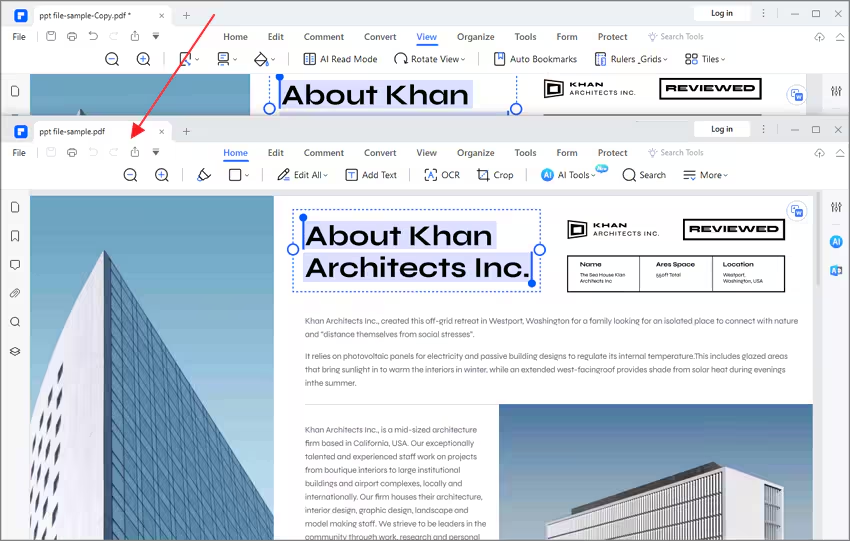
- After tiling to multiple windows, drag the tab of the file back to one window one by one, you will get all the opened files back into one window.