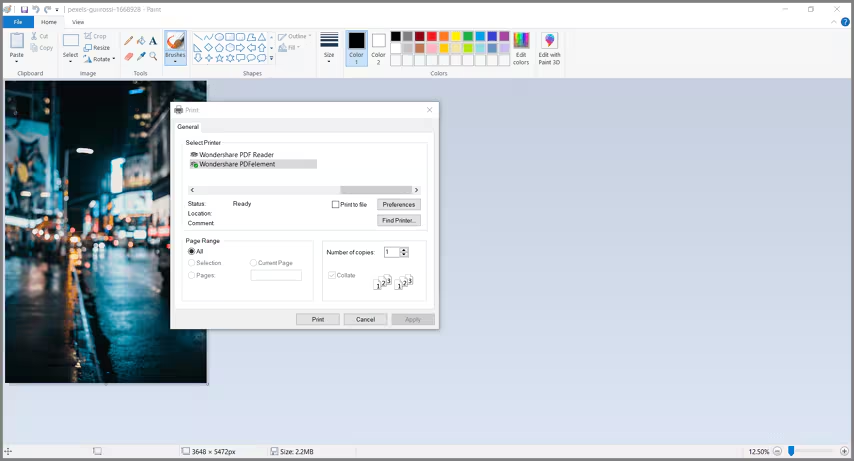
How to print files to PDF.
AULPDF printer works like a standard printer, so you can use it to print your files from any Windows applications (such as Notepad, Outlook Express, and Internet Explorer) to PDFs as if you would print with a real printer.
- Open the file in its authoring application.
- Click the "File" > "Print" button in the file.
- Select the printer named Wondershare AULPDF, and click the "Print" button.
- The file will be opened in our application window. Click the "File" > "Save" button to save it to a PDF file on your computer.