Line Planet Console
What is LINE Planet Console?
LINE Planet Console lets you manage your services developed with the LINE Planet SDK. It provides features such as viewing usage and call history, monitoring service traffic, configuring and managing API keys and callback URLs, checking for notices, reviewing major change logs of projects, and inviting or managing members.
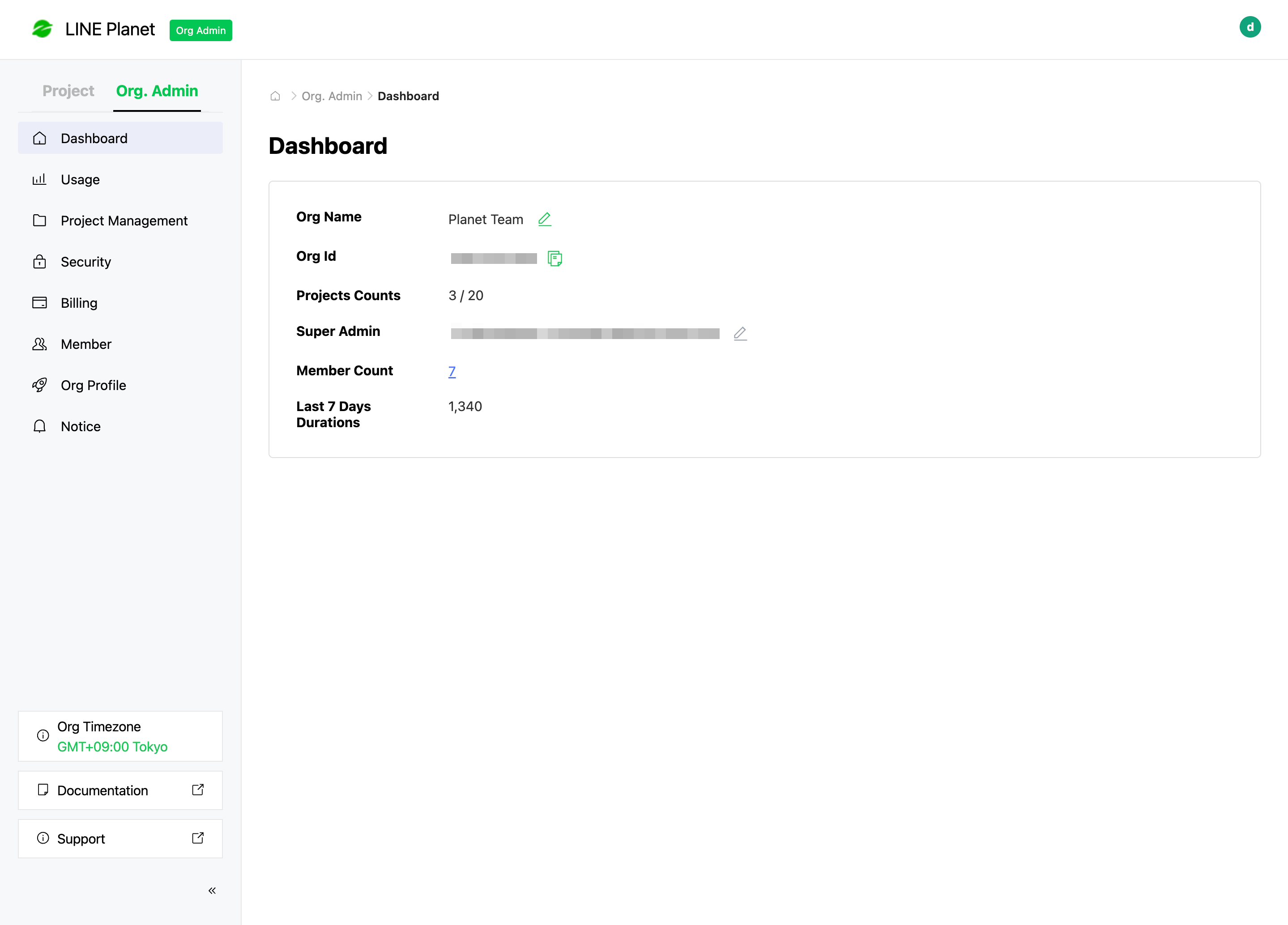
Org. Admin and Project
The functionality of LINE Planet Console is divided into organization management and project management, which are accessible through the tabs (Org. Admin and Project) on the left sidebar of LINE Planet Console.
The Org. Admin tab provides organization-level management features. You can monitor usage of each project, create and manage projects, set security access restrictions, check billing details, manage organization members, manage organization profile information, and view various notices.
The Project tab provides project-level management features. You can view basic project information, monitor usage, search call history, monitor service traffic, manage project members, and review major change logs of the project.
Permission management
In LINE Planet Console, each member is assigned an Org. Admin permission according to their role and a Project permission based on the projects they participate in and their roles within those projects.
Members' access to features varies based on the permissions assigned to them. When inviting members, refer to the following table to assign the appropriate permissions.