How To Delete a Security Group
You have a user right group that you no longer use or one that's no longer needed. Now you can easily delete the group. This article will show you how.
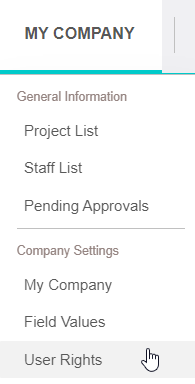
1. Click MY COMPANY...USER RIGHTS from your navigation bar.
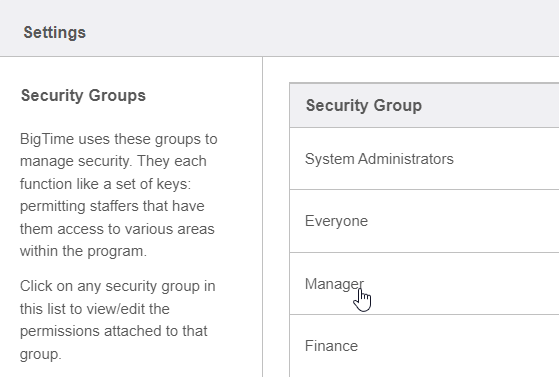
2. Click on a security group.
3. Click DELETE GROUP, located near the bottom-right corner of your window.

AulT&E will prompt you with a question box, asking if you’re sure you want to delete the group. Click YES to delete it.