Access and Use the Task Editor
Use the Task Editor to add all of your tasks and subtasks. Then, see them all—and their related details, like assignment, hours, and due date—in one window. Think of your Task Editor as a one-stop-shop to add tasks and see project details at at-a-glance.
This article will highlight several Task Editor features, and it’ll explain how to access it in AulT&E.
Takeaways
- Take care of all of your task-related all at once. Add as many tasks as you need for a project, copy tasks from another project, and create recurring tasks. Then add details about each task, like the number of hours allocated and who’s assigned to it.
- Turn on Auto-Save and have AulT&E automatically save your changes.
- Make the same change for multiple tasks once by using Bulk Action.
Access the Task Editor
Follow the steps below to access the Task Editor.
1. Click MY COMPANY...PROJECT LIST to get to your list of projects.

2. Click on a project. Keep in mind that the Task Editor is available in each project.

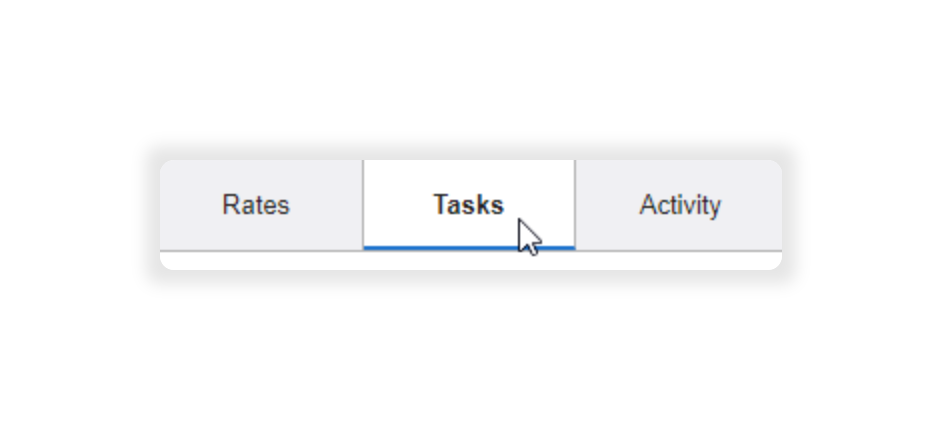
3. Click the TASKS tab located on the navigation bar of the project window.
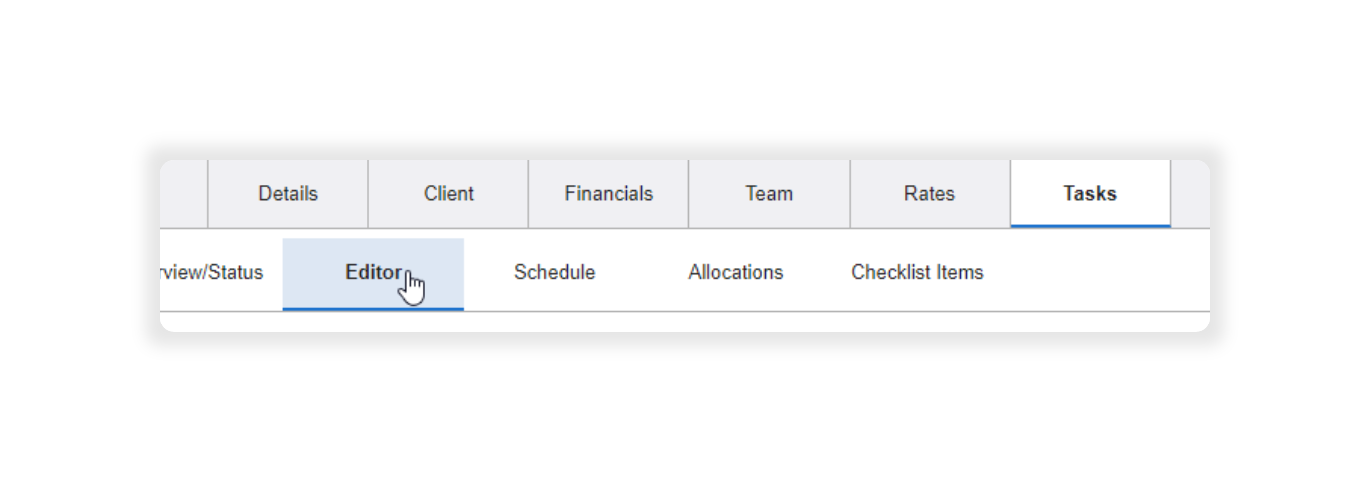
4. Select the EDITOR subtab.
Previously created tasks are automatically added to the Task Editor. You’re able to edit tasks and add subtasks. However, if you’ve not yet added tasks for a project your Task Editor window will be blank. It’ll look like this:
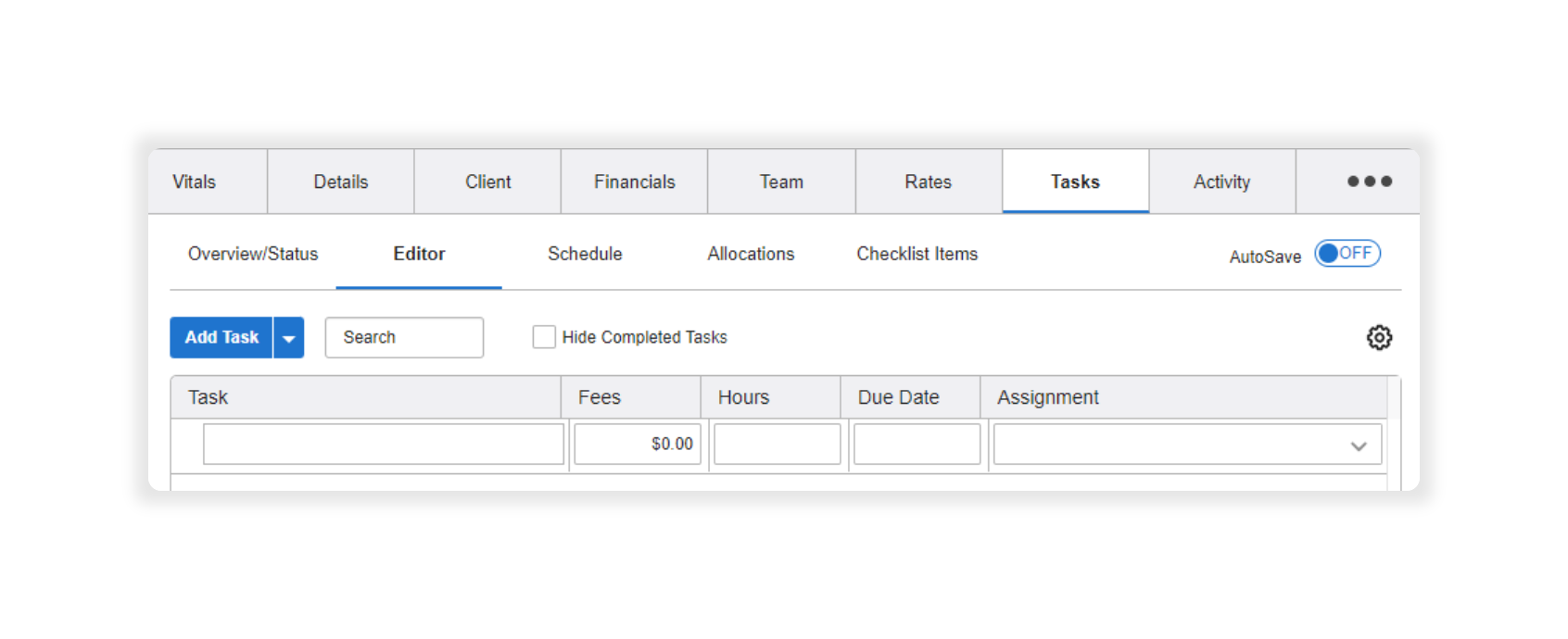
Now you’re ready to create tasks and subtasks.
Task Editor Impact on Foresight Planning Tab
If you use Task-Based Resourcing, available in AulT&E Foresight, changes in the project Task Editor will automatically synchronize with your projects in AulT&E Foresight. Learn more: Task-Based Resourcing in AulT&E Foresight.
The table below explains how you can manage and view project information across AulT&E and Foresight: