How To Remove User Rights for a Security Group
Security groups in AulT&E determine staffers’ access to firm information and AulT&E features. This article assumes that you’ve created a security group and have added user rights to it.
Now we’ll show you how to remove user rights from a security group.
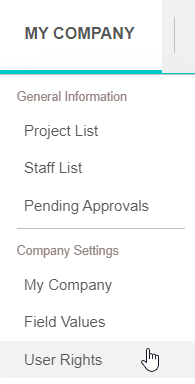
1. Click MY COMPANY...USER RIGHTS from your navigation bar.
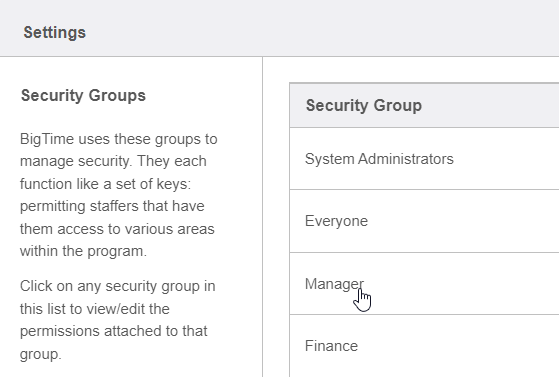
2. Click on a security group.
3. Click on one of the PLUS SIGNS in order to select a category.

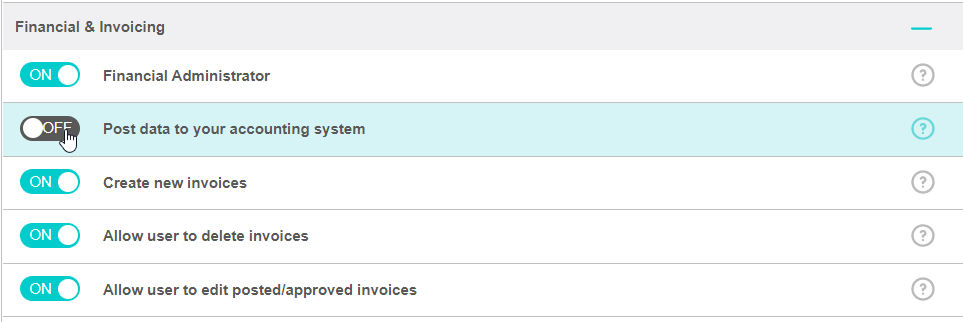
4. Toggle off the user right(s) that you no longer want this group to have access to.
5. Click SAVE to save your changes.
