Exclude Holidays From Capacity
Admins can specify holidays for their firm. These holidays will be removed from their firm’s capacity.
This article will show you how to add holidays in AulT&E.
1. Click MY COMPANY...MY COMPANY from your navigation bar.

2. Click on the HOLIDAYS tab.

3. Click ADD HOLIDAY.

4. Enter the date and holiday name into the respective text boxes.
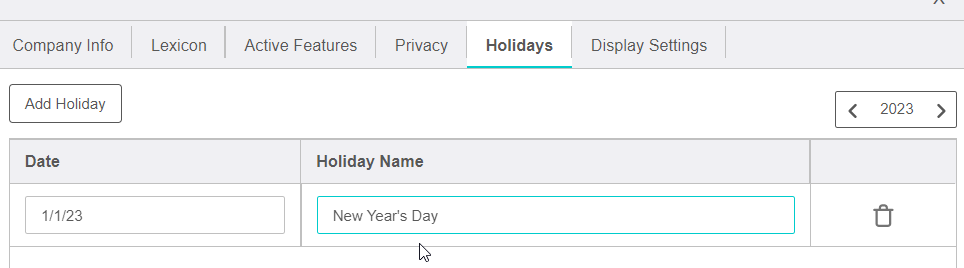
5. Click SAVE, found in the bottom right corner of your window.
Remember: the holidays you enter will be removed from your firm’s capacity. Repeat the process to add more holidays. Or click on the TRASH CAN (see image above) to delete a holiday.